
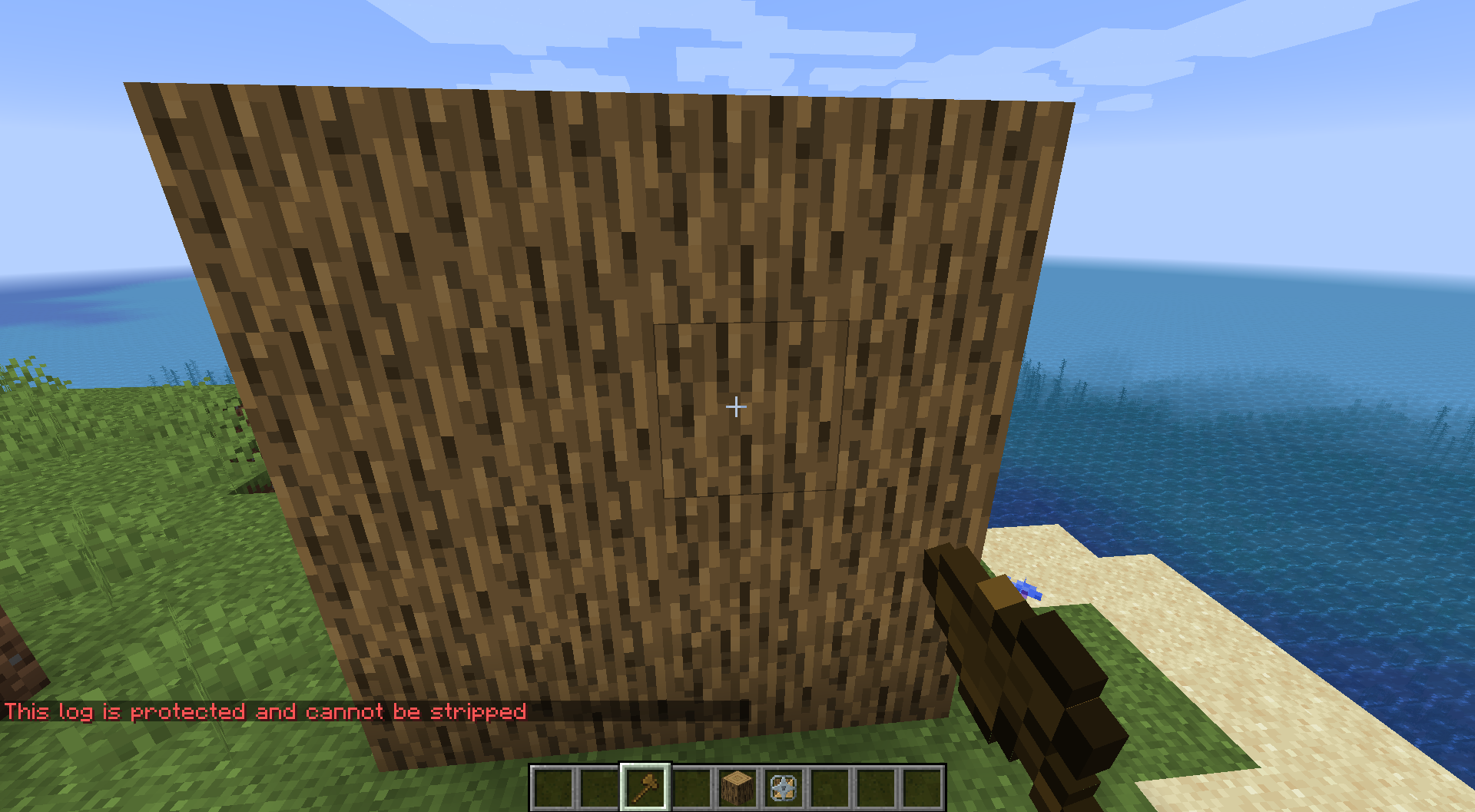
One stray right-click with an axe strips a log, which is a real problem on a build server where somebody just spent an hour on a timber frame. The Log Saver Tool locks a log so the axe does nothing to it. Lock them one at a time, or mark two corners and take every log in the box at once. Locked logs get a green outline so you can see what is safe before you swing.

Usage
Single log: Right-click a log with the Log Saver Tool to lock it. Right-click again to unlock.
Area selection:
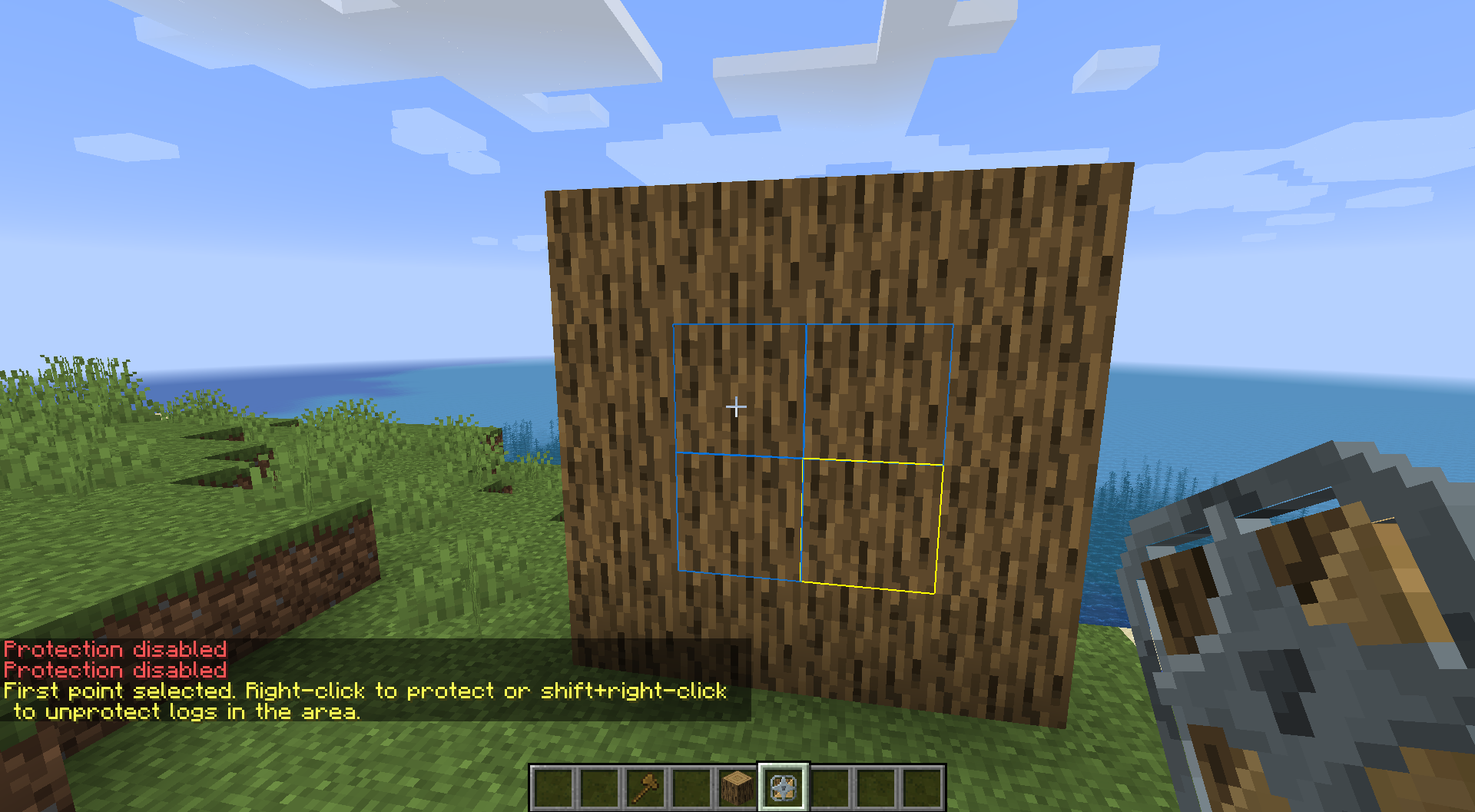
- Shift + Right-click to mark the first corner (yellow outline appears)
- Right-click the second corner. Every log in the cuboid locks (blue preview while you select)
- To unlock an area: Shift + Right-click both corners
Crafting
Surround an Iron Bar with 8 logs (any log type from the minecraft:logs tag):
L L L
L I L
L L L
L = any log · I = iron bar → 1× Log Saver Tool
Visual feedback
The tool renders colored outlines around logs:
- Green: protected log
- Yellow: first selection point
- Blue: live preview of the area you are selecting
Gallery
Note: This wiki is the documentation. Questions and bug reports are faster on the Discord server.
